
-
How to get started
- General set-up
- DMA & ESRS
- EU-Taxonomy
- CO2-Footprinting
- Supply Chain Sustainability
- VSME
-
ESRS
- ESRS - Overview
-
DMA Double Materiality
- The Double Materiality Proc...
- Double Materiality Assessme...
- Start or import your Double...
- Copying a Double Materialit...
- Transferring Data from an E...
- Add and manage stakeholders
- How to involve stakeholders...
- Which stakeholders to invol...
- Select your relevant sustai...
- Add the impacts, risks and ...
- Upload IROs into the DM pro...
- Assess each impact, risk an...
- Step-by-Step: How to Create...
- Understand your Double Mate...
- Set common definitions for ...
- Consolidation / Determinati...
- Change materiality levels o...
- Assessment Scales: Configur...
-
DMA Double Materiality - IR...
- Agriculture and Farming
- Forestry
- Construction and Engineering
- Energy Production & Uti...
- Water & Waste Services
- Casinos & Gaming
- Leisure Facilities
- Capital Markets
- Banking
- Insurance
- Health Care
- Food & Beverage Services
- Hotels & Lodging
- Aerospace & Defence
- Automobiles & Other Tra...
- Biotechnology & Pharmac...
- Building Products & Fur...
- Chemicals & Biofuels
- Construction Materials
- Electronics
- Food & Beverages
- Machinery & Equipment
- Medical Equipment & Ser...
- Metal Processing
- Oil & Gas - Midstream &...
- Pulp, Paper & Wood prod...
- Textiles, Apparels, Footwea...
- Tobacco
- Toys, Sporting Goods & ...
- Coal Operations
- Gap Analysis
-
ESRS Data Collection & ...
- Create a new ESRS report
- Include Your Double Materia...
- Copy data from an existing ...
- Copy data from an existing ...
- Importing CO2 Data into an ...
- ESRS report, step 1: determ...
- ESRS report, step 1 (1): ph...
- ESRS report, step 2: prepar...
- ESRS report, step 2 (1): Da...
- ESRS report, step 2 (2): Di...
- ESRS report, step 3: collec...
- ESRS report, step 3 (1): Un...
- ESRS report, step 3 (1): Un...
- ESRS report, step 4: writin...
- Mapping of Sustainability T...
- Download datapoints
- Consolidating ESRS Reports
- Audits: Review and Compare ...
- Analysis & Dashboard
- Guide to Handling Requests ...
-
EU Taxonomy
- Data collection
- Eligibility assessment
- Minimum safeguards
- Alignment assessment
- Adding financial data for E...
- Accounting standards
- Analytics & Reporting
-
CO2 Footprint
- CO2 - Overview
- Data Collection
- Activities
-
Scopes
- Scope 1 - Emissions from so...
- Scope 2 - Emissions that re...
- (2) Scope 2-Emissions: Mark...
- Scope 3.1 - Emissions assoc...
- Scope 3.2 - Emissions assoc...
- Scope 3.3 - Emissions resul...
- Scope 3.4 - Emissions assoc...
- Scope 3.5 - Emissions assoc...
- Scope 3.6 - Business Travel
- Scope 3.7 - Employee commuting
- Scope 3.8 - Emissions resul...
- Scope 3.9 - Emissions gener...
- Scope 3.10 - Emissions gene...
- Scope 3.11 - Emissions gene...
- Scope 3.12 - Emissions gene...
- Scope 3.13 - missions resul...
- Scope 3.14 - Franchises
- Scope 3.15 - Investments
- How to assign scopes (in th...
- Scope 3.4 and Scope 3.9: Ca...
- Scope 3 Reporting: Process,...
- Emission factors
- Old flow
-
Supply chain risk
- Module settings
- Supplier management
- Risk assessment
- Grievance mechanism
- Incidents
- Reporting
- Information for suppliers
- Guide to Handling Requests ...
-
VSME
-
VSME Data Collection & ...
- VSME Module – Roles & P...
- Create a new VSME report
- Importing CO2 Data into a V...
- VSME - Basic Module
- VSME - Comprehensive Module
- VSME report, step 1: Determ...
- VSME report, step 2: Prepar...
- VSME report, step 2 (1): Da...
- VSME report, step 2 (2): Di...
- VSME report, step 2 (3): Us...
- VSME report, step 2 (4): Co...
- VSME report, step 3: collec...
- VSME report, step 4: writin...
- Reusing ESRS Data for Your ...
- Sustainability Profile
-
VSME Data Collection & ...
-
General settings and config...
- Account Settings
- Log-in process
- General User Management
- Data requests, review and v...
- Reporting Structure
-
Product & Regulatory up...
-
Software Updates
- EQS Software updates: 4. Se...
- EQS Software Updates: 12. J...
- EQS Software Updates: 13. M...
- EQS Software Updates: 21. A...
- Simplified ESRS Draft in th...
- EQS Software Updates: 25. M...
- EQS Software Updates: 12. M...
- EQS Software Updates 6. Mar...
- EQS-Software Updates: 24. F...
- EQS-Software Updates: 8. Ja...
- Introducing ESRS Consolidat...
- EQS-Software Updates: 10. N...
- EQS-Software Updates: 24. O...
- EQS-Software Updates: 22. S...
- Updates to the VSME Module:...
- CO₂ Workflow Update
-
Regulatory Updates
- EQS Regulatory Update: 19. ...
- EQS Regulatory Updates: 17....
- EQS Regulatory Updates: 25....
- EQS-Regulatory Updates 13. ...
- EQS-Regulatory Updates 15. ...
- EQS Regulatory Updates 24. ...
- EQS Regulatory Updates 10. ...
- EQS Regulatory Updates 13. ...
- EQS-Regulatory Updates 23. ...
- EQS-Regulatory Updates 28. ...
- EQS-Regulatory Updates 8. J...
- Sustainability Knowledge
-
Software Updates
-
Reduction Planner
- Reduction Planner
EQS Software Updates: 21. April 2025
Modified on Fri, 24 Apr at 2:04 PM
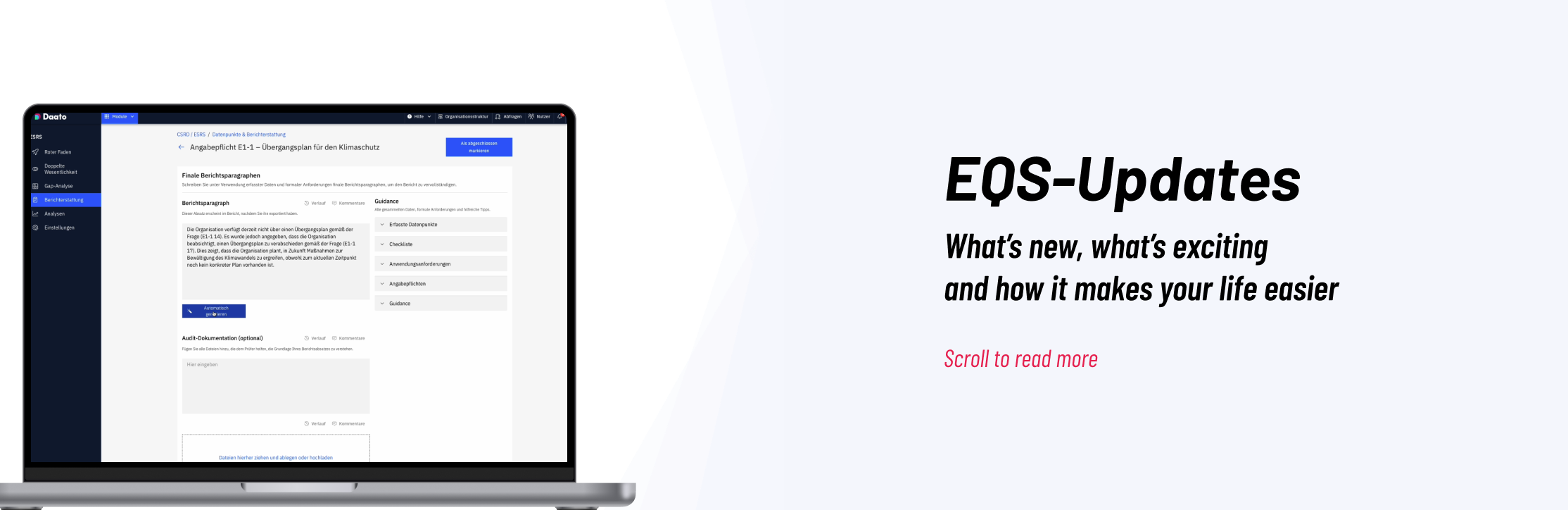


Improved simplified ESRS selection
The simplified ESRS report now correctly uses DMA results to determine relevant disclosures and data points, ensuring consistent report setup.
Bulk collaboration requests in DMA
Simplified ESRS (Draft) version
Version-specific sustainability matter configuration
Users can now define relevant sustainability matters and their weights per ESRS version. This ensures that differences between versions are properly reflected in the DMA and improves flexibility when working across multiple reporting standards.
Filter data points by collection method
A new filter in step 3 allows users to display data points based on their collection method (manual vs. aggregated). This helps users focus on the data points that require their attention during data collection.

Improved CO2 export structure
The CO2 export has been significantly enhanced with multiple tabs for different aggregation views, including complete data, scopes, and market-based or location-based views. This allows users to work directly with structured export data without needing additional manual calculations.
Reduction plan report visibility consistency
When editing reduction plans, previously selected reports and data sources are now consistently displayed even if the underlying report has been reopened. This avoids confusion and ensures continuity in planning.
Edit activity scope
Activities in CO₂ reports can now be reassigned to a different scope directly from the edit modal, allowing users to correct mistakes without recreating entries.
Split composite values
Composite activity values can now be entered in smaller parts, making it easier to calculate totals from multiple data sources and improve data accuracy.
Activity change history
Each CO₂ activity now includes a detailed change history, giving auditors and users full visibility into how values evolved over time.
Was this article helpful?
That’s Great!
Thank you for your feedback
Sorry! We couldn't be helpful
Thank you for your feedback
Feedback sent
We appreciate your effort and will try to fix the article